Summary: “Everything fails all the time” is how Werner Vogels, Amazon’s CTO, has described running large systems since at least 2008. On a connected device fleet the sentence has a very concrete meaning: the cloud will go away now and then, and when it comes back, every device will come back at once. The LaMetric cloud serves about 75,000 devices online at 99.9% uptime. This post is about the part that number doesn’t show: what the fleet does in the hours of downtime that 99.9% still allows, and in the minute after. We cover broker restarts, reconnect storms, backoff with jitter, devices that keep working offline, alerts that watch the fleet instead of only the servers, and what the early LaMetric fleet taught us about retained MQTT messages.
What 99.9% uptime still allows
99.9% sounds close to perfect. Over a year it still allows almost 9 hours of downtime. Some of that is planned: a broker upgrade, a kernel patch, a database migration. Some of it is not. Either way, it will happen, and it will happen while devices are switched on in people’s homes and on factory floors.
So the useful question is not “how do we never go down?” It is “what does the fleet do while we are down, and what does it do the moment we are back?” A backend that recovers quickly can still cause much longer trouble if the devices behave badly when it returns. The uptime figure measures the service. The experience of the people using the devices depends on the fleet.
The broker restart, seen from the device
Most connected devices hold one long-lived MQTT connection to the cloud. They publish readings over it, receive commands over it and get notified about updates over it. When the broker restarts, every one of those connections drops at the same moment. It doesn’t matter whether the restart was planned or a crash: from the device side it looks the same.
What happens next is decided by firmware written months or years earlier. If that firmware simply retries as fast as it can, the broker’s return is the start of the next problem, not the end of the first one.
Reconnect storms: your own fleet as the attacker
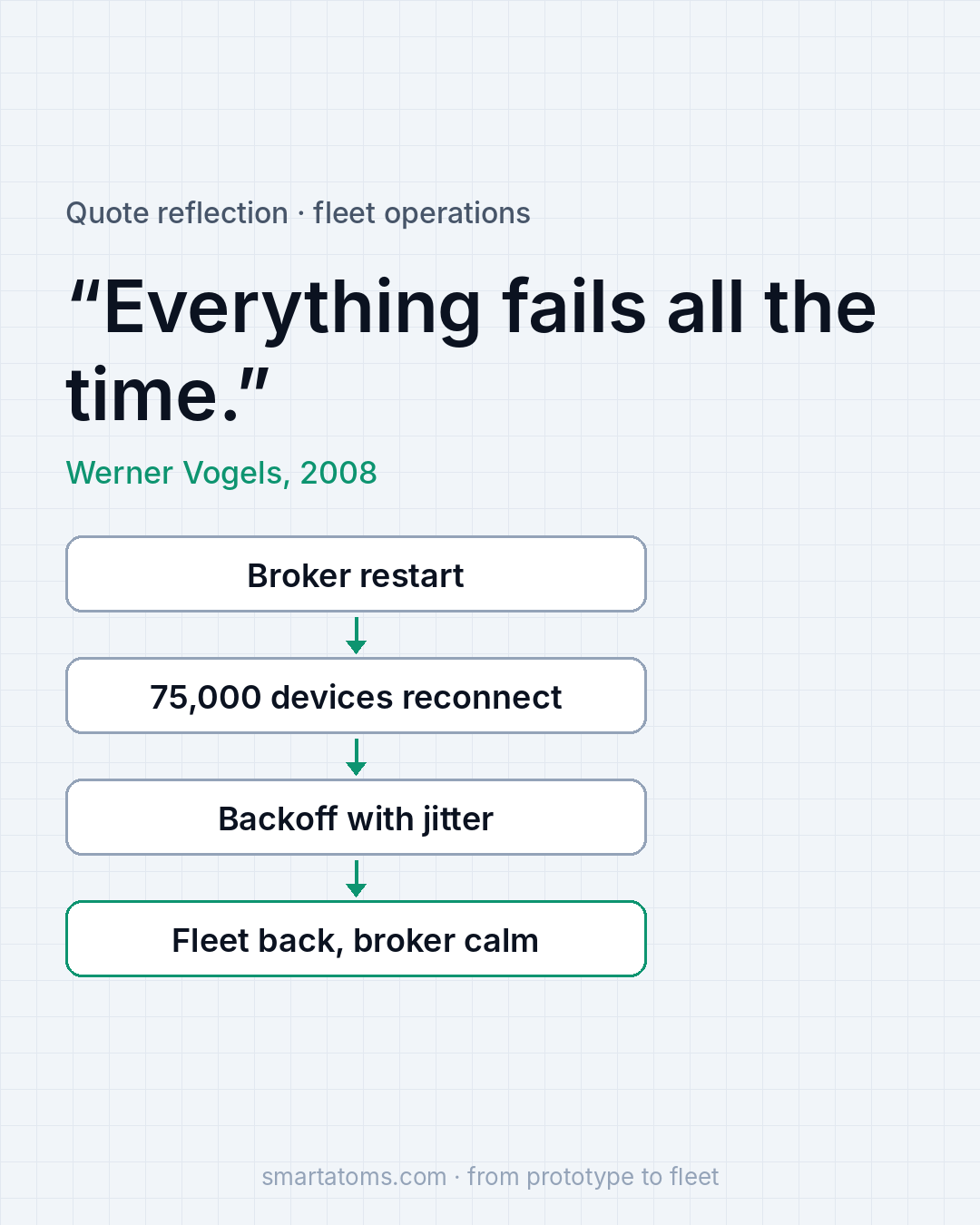
Picture 75,000 devices that all lost their connection in the same second. If each one waits a fixed interval and tries again, they all try again in the same second too. To the broker coming back up, with cold caches and every session to rebuild, that wave looks exactly like an attack on your own infrastructure.
The broker slows down or refuses connections. Devices time out and retry. Their retries line up again, and the next wave is as big as the first. A short restart turns into a long outage that the fleet keeps alive by itself. Nothing is broken in the cloud any more; the devices are simply all arriving at once.
Backoff with jitter, in the firmware
The fix sits in the device, not in the cloud. Each device waits longer after every failed attempt (exponential backoff) and adds a random offset to each wait (jitter). The backoff stops a device from hammering a broker that is not ready. The jitter breaks up the wave, so retries spread over minutes, not milliseconds, and the broker sees a steady stream it can handle instead of a single spike.
This is a few lines of code, and it protects every outage and every planned restart the fleet will ever see. It also has to be in the firmware before you need it. If your devices don’t have it today, the way to add it is an over-the-air update, which is one more reason a reliable update path comes first: you cannot fix reconnect behaviour on a fleet you cannot reach.
Devices that keep working offline
A device that loses its connection should not lose its purpose. The design goal is simple: show the last good data and retry quietly in the background. A clock still shows the time. A display still shows the last values it received. The person in front of it should, ideally, not notice that the cloud went away at all.
That takes deliberate choices in the firmware: what is cached locally, how old data may be before the device marks it as stale, and which features honestly need the cloud and should say so. A blank screen or an error message during a short broker restart turns a backend event into a support ticket.
Alert on the fleet, not only on the servers
Server metrics tell you whether the machines are healthy. They don’t tell you whether the devices are. A broker can sit at low CPU while half the fleet fails to reconnect. That is why we alert on two fleet-level signals as well: the number of connected devices and the message rate.
During a restart the connected count should drop and then climb back to where it was. If it climbs back slowly, or stops halfway, something in the reconnect path is wrong. If the message rate doesn’t return with it, devices are connected but not working. Both are visible within minutes on a fleet dashboard, long before anyone opens a ticket.
Here is the same picture as a table: what fails, what the fleet does, and what we design for.
| Event | What the fleet does | What we design for |
|---|---|---|
| Broker restart | Every device loses its MQTT connection at the same moment | Devices that expect it and keep working |
| Broker returns | The whole fleet tries to reconnect at once | Backoff with jitter, so retries spread over minutes |
| Cloud unreachable | No new data reaches the device | Show the last good data and retry quietly |
| Partial recovery | Servers look healthy, part of the fleet stays offline | Alerts on connected devices and message rate, not only CPU |
What we learned the hard way
We learned this the hard way in the early days of LaMetric. As the fleet grew, some cloud services started failing under load. Retained MQTT messages were consuming more broker resources than expected, and the growing number of device connections made the problem worse.
The fix wasn’t just a bigger VPS. We reduced unnecessary retained topics, optimized the protocol, and scaled the infrastructure to handle the growing fleet.
The lesson: a design that works for hundreds of devices can become an infrastructure problem at thousands. Retained messages, connection counts and reconnect behaviour all look harmless on a small fleet. Their cost shows up as the fleet grows, so it pays to review them before it does.
Test the recovery, not only the service
The rule we take from Vogels is this: test the recovery, not only the service. Most teams test that the backend works. Fewer test what happens when it stops and starts again with a real fleet attached.
So restart a broker on purpose, before production does it for you. Pick a quiet hour, tell the team, and watch the dashboards: how fast the connected count drops, how fast it comes back, whether it reaches the level it had before, and whether the message rate follows. If the broker struggles when the fleet returns, you have found your reconnect storm on your own terms, with people watching and a plan in hand, instead of at night with neither.
Once it works, keep doing it. Firmware changes, fleets grow and brokers get upgraded. A recovery you tested last year is a recovery you hope still works.

A short checklist for your fleet
- Do your devices reconnect with exponential backoff and random jitter, or on a fixed interval?
- Can you add or change that behaviour with an over-the-air update if it is missing?
- What does each device show when the cloud is unreachable: the last good data, or an error?
- Do you alert on connected devices and message rate, or only on server CPU and memory?
- Which retained topics do your devices actually need, and what do they cost the broker as the fleet grows?
- When did you last restart your broker on purpose, and what did the fleet do?
If the last answer is “never”, that is the test to plan first.
How we help
At Smart Atoms we run and monitor cloud platforms for device fleets, and we write the firmware that talks to them, from the first prototype to a fleet that stays online. That includes MQTT brokers, reconnect behaviour, fleet dashboards and over-the-air updates, all proven on the LaMetric platform. See how we approach SRE and 24/7 platform operations. To review how your fleet behaves when the cloud goes away, talk to an engineer.
Source: Smart Atoms, from running the LaMetric IoT platform (about 75,000 devices online). Quote: Werner Vogels, “Everything Fails All the Time“, Communications of the ACM, 2020.